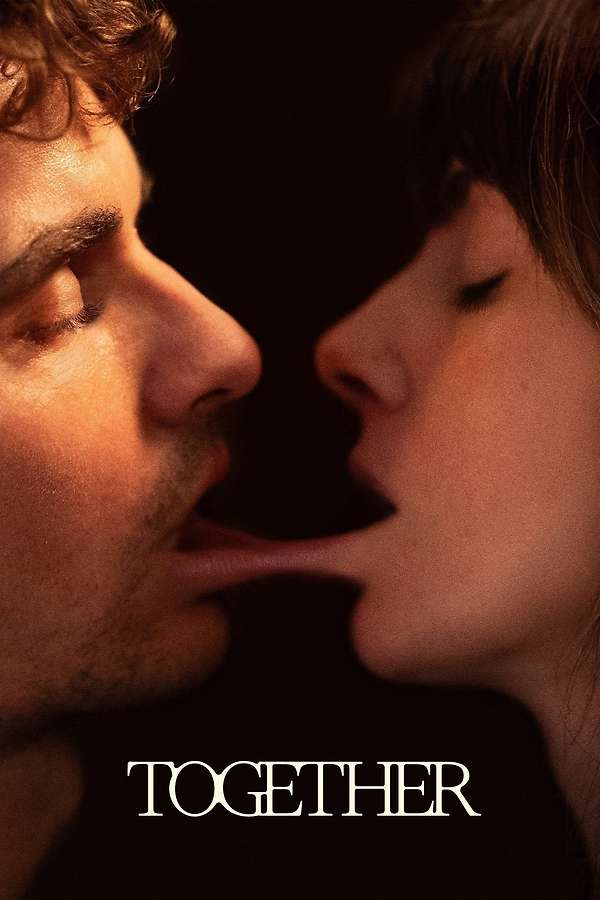
Watched Together (2025) by an author from letterboxd.com
Years into their relationship, Tim and Millie find themselves at a crossroads as they move to the country, abandoning all that is familiar in their lives except each other. With tensions already flaring, a nightmarish encounter with a mysterious, unnatural force threatens to corrupt their lives, their love, and their flesh.

Glad I didn’t let my general dislike of the Francos put me off this. His casting alongside Brie absolutely makes this movie.

The change in tone towards the end might bother some but I really liked it. Ultimately strikes a great balance of fun and some really creepy shit. Loved the folk horror angle too!

★★★★

My review

Interesting problem this morning. Had a container that wasn’t appearing that should always appear. App showed this behaviour when published and in Studio but, by the time the App was loaded and ready to edit in Power Apps Studio, it looked like it should be working fine.

All the variables were set as expected and the results for each control property evaluation looked right e.g. the code in .Visible was resolving to TRUE… except the .Height property was showing as 0. Weirdly, in the “canvas” view, it looked like the height was definitely non-zero as there was an outline around an apparently hidden, but large, control. For that reason I spent a long time looking at how .Visible was evaluating. Appearances were deceiving in this case!

Ignoring the evidence of my eyes, I eventually dug into what was setting Height on the control, a Context variable called containerMaxHeight, which was set by:

UpdateContext(
    {
        controlHeight: 30,
        containerHeight: 50,
        containerMaxHeight: Switch(
            Settings.Size,
            ScreenSize.Small,
            containerHeight*2,
            ScreenSize.Medium,
            containerHeight,
            ScreenSize.Large,
            containerHeight,
            containerHeight// For extra large
        ),
        helpContainerHeight: 40,
        helpContainerMaxHeight: Switch(
            Settings.Size,
            ScreenSize.Small,
            helpContainerHeight*2,
            ScreenSize.Medium,
            helpContainerHeight*2,
            ScreenSize.Large,
            helpContainerHeight,
            helpContainerHeight// For extra large
        )
    }
);
An experienced Power Fx/Apps user might see the problem immediately. It’s dead simple. These are all evaluated simultaneously, so they can’t depend on one another. I just needed to split the UpdateContext() function into two calls:

// have to set these first
UpdateContext(
    {
        controlHeight: 30,
        containerHeight: 50,
        helpContainerHeight: 40
    }
);
// so they can be referenced here
UpdateContext(
    {
        containerMaxHeight: Switch(
            Settings.Size,
            ScreenSize.Small,
            containerHeight*1.5,
            ScreenSize.Medium,
            containerHeight,
            ScreenSize.Large,
            containerHeight,
            containerHeight// For extra large
        ),
        helpContainerMaxHeight: Switch(
            Settings.Size,
            ScreenSize.Small,
            helpContainerHeight*1.5,
            ScreenSize.Medium,
            helpContainerHeight*1.5,
            ScreenSize.Large,
            helpContainerHeight,
            helpContainerHeight// For extra large
        )
    }
);

Posted this to the Power Platform Community forum:

Lost the best part of an hour testing and trying to fix a Child Flow returning true to the parent via “Respond to an App or a flow”. I’m trying to test that output with a Condition and it would not work. I tried setting the output on “Respond to…” to text and yes/no. Tried with single quotes, without quotes, using Expression to pass boolean TRUE on BOTH sides (in the output and the Condition value).

I could see from looking at the results of the Flow it looked like it was returning a String but the Condition step gives no debugging output – you can’t see what it is comparing, never mind the Type!

In the end, I figured some magic auto-typing was happening somewhere and simply changed the output from the child to Text with the value yes (no quotes) and set the value of the Condition in the parent Flow to the same.

Worked immediately.

Wonder if I was actually doing it wrong?

Watched Kingdom of the Planet of the Apes (2024) by an author from letterboxd.com
Several generations following Caesar's reign, apes – now the dominant species – live harmoniously while humans have been reduced to living in the shadows. As a new tyrannical ape leader builds his empire, one young ape undertakes a harrowing journey that will cause him to question all he's known about the past and to make choices that will define a future for apes and humans alike.

Be easier to like if its predecessors hadn’t been so excellent. Entirely generic except with apes.

★★★

My review

I love everything about omg.lol except the name, which I am not sure would even appeal to my 11 y/o daughter.

Get the best internet address that you’ve ever had

Like, circa 2004, or whatever.

Replied to xlthlx (@xlthlx@hachyderm.io) (Hachyderm.io)
International Data Protection Authorities issue joint statement on privacy risks of AI-generated imagery https://ico.org.uk/about-the-ico/media-centre/news-and-blogs/2026/02/international-data-protection-authorities-issue-joint-statement-on-privacy-risks-of-ai-generated-imagery/

Wrote to my MP about this, oh, let’s see… 2.5 years ago!

I do understand that it’s the Conservative way to “let the market decide”; to see how much money can be made, and what damage done, before regulation. This is going to happen far too quickly for that. It’s already too late, damage will be done, but better late than never.

Microsoft Copilot “AI” just suggested I use the Clamp() function in Microsoft Power Fx. Sadly, it doesn’t exist, which Copilot was happy to confirm and yet made no mention of the mistake. I assume this is by design. Presumably admitting fault is the same as admitting liability.

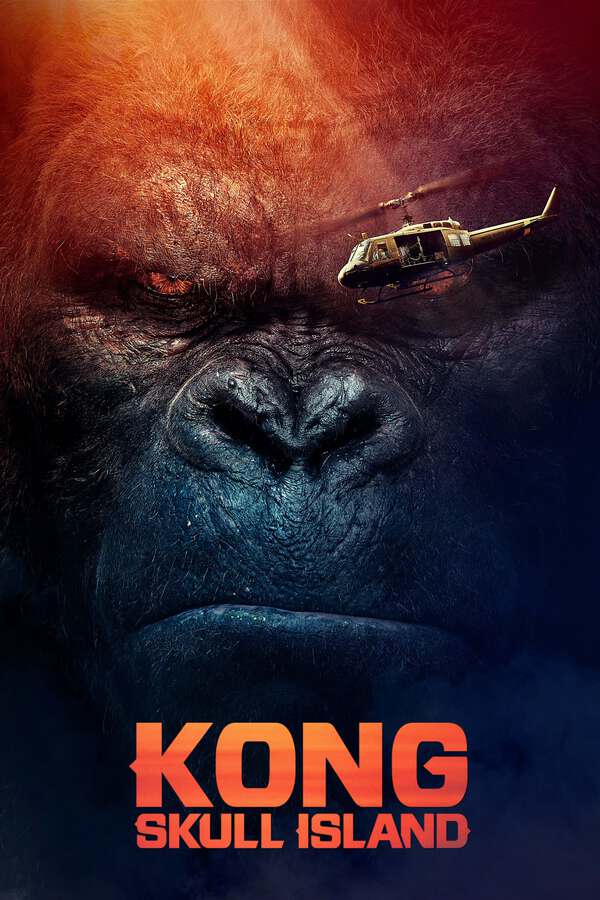
Watched Kong: Skull Island (2017) by an author from letterboxd.com
Explore the mysterious and dangerous home of the king of the apes as a team of explorers ventures deep inside the treacherous, primordial island.

Damn this is a good looking movie. Other than that, it is what it is and it does it pretty well. However, I’m not sure what Brie Larson’s character (does she even have a name?) brings to this other than some Ann Darrow parallel, which is barely more than hinted at. Still, she does better out of it than Jing Tian…

★★★½

My review